
How to Create Backlinks: 7 Proven Methods That Work
Creating good quality backlinks for your website is the best way to rank your website or blog. If you’re just starting out and wondering how to create backlinks, this step-by-step guide will walk you through proven strategies that are beginner-friendly and 100% cost-effective.
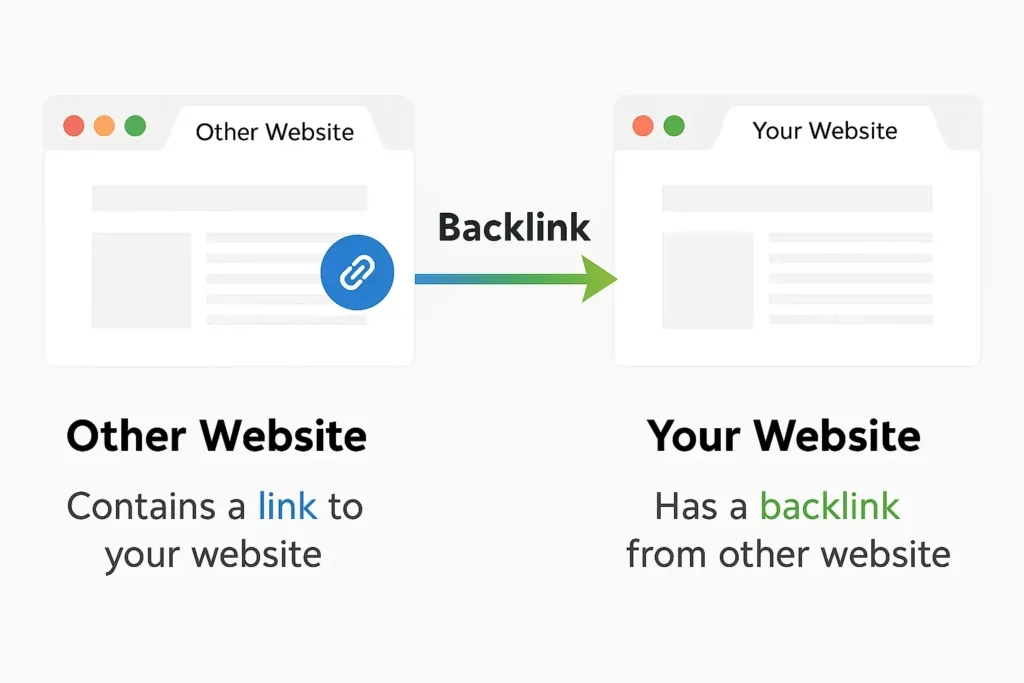
How to Create Backlinks: Why Are Backlinks Important?
Backlinks are hyperlinks from external websites that point users toward your own site. they are trusted signal you get—when trusted sites link to you, Search engines consider this as a trusted source this helps your website to rank better.
If you’re just starting with backlinks, remember on thing mainly—quality matters more than quantity. Here are seven powerful (and free) ways to do it right.
How to Create Backlinks for Free with Guest Posting on Niche Blogs
Step 1: Identify blogs in your focused content that accept guest posts. Use search queries such as “write for us” followed by your focused content to find relevant guest posting opportunities.
Step 2: Reach out to the editor with a personalized pitch and suggest a unique, valuable topic.
Step 3: Write a high-quality article and include a natural backlink to your website in the author bio or content.
Why It Works: You gain exposure, traffic, and a do-follow backlink that boosts your SEO.
How to Create Backlinks by Submitting to Online Directories
Step 1: Try checking out business directories that align with what you do—it’s a great way to connect with people who actually care about your work.
Step 2: Create a profile and include your website link.
Step 3: Ensure your business information is Stable across directories.
Why It Works: Business directories can give you strong, trusted backlinks and help more people find you online.
How to Create Backlinks Using Shareable Infographics
Step 1: Use tools like Canva to design infographics related to your focused content.
Step 2: Publish the infographic on your blog.
Step 3: Share it on platforms like Pinterest, Reddit, and infographic submission sites.
Why It Works: People love sharing visual content, and every time they do, it boosts your chances of getting valuable backlinks..
How to Create Backlinks with Quora and Forums
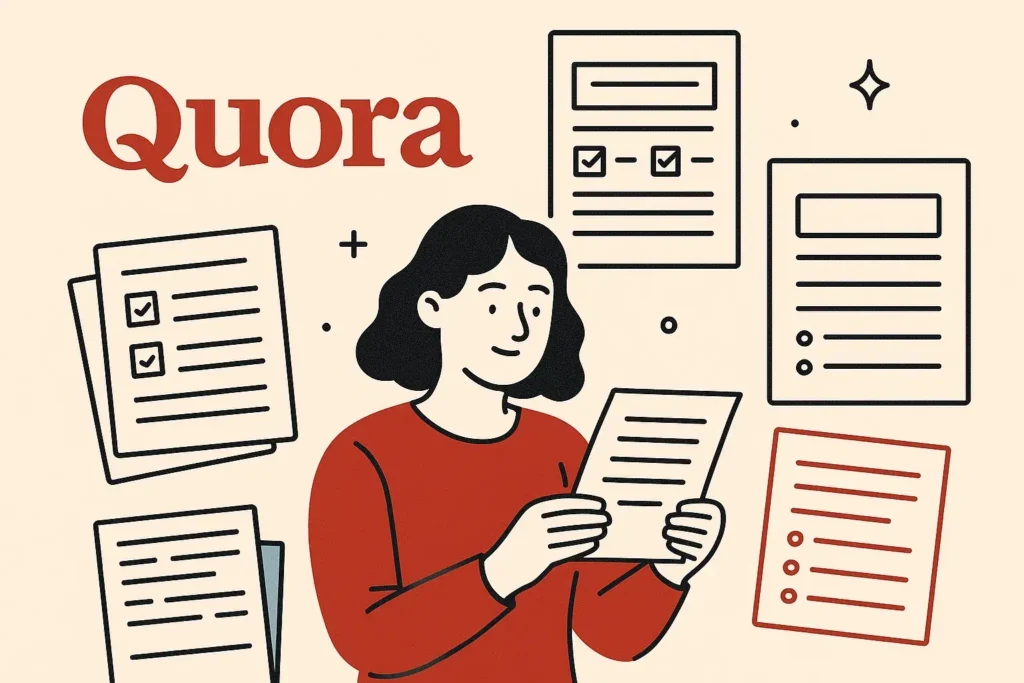
Step 1: Create a profile on Quora and niche-specific forums.
Step 2: Find questions related to your blog or service.
Step 3: Provide valuable answers and link back to your relevant blog post.
Why It Works: It helps bring in the right audience and can earn you quality backlinks from trusted discussion platforms.
How to Create Backlinks via Social Media Profiles
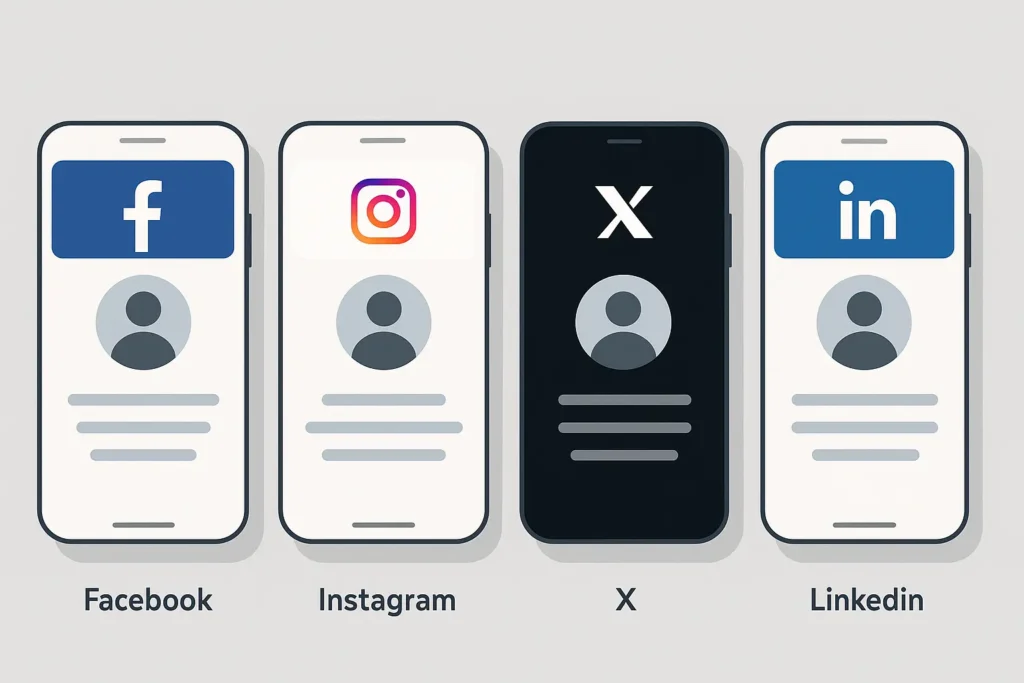
Step 1: Create business accounts on platforms like LinkedIn, X, Facebook, and Instagram.
Step 2: Add your website link to your profile or bio section.
Step 3: Regularly share your blog posts to encourage backlinks from followers.
Why It Works: Social signals may not be direct ranking factors, but profile links do count as backlinks.
How to Create Backlinks through Blog Commenting
Step 1: Find popular, trusted blogs that focus on your area of expertise
Step 2: Carefully read the post and share thoughtful, meaningful comments.
Step 3: Include your name and website URL when commenting.
Why It Works: Blog commenting can offer no-follow backlinks and help build relationships in your industry.
How to Create Backlinks on Web 2.0 Sites
Step 1: Rewrite your blog post as a shorter article.
Step 2: Publish it on platforms like Medium, Blogger, and Tumblr.
Step 3: Link back to the original post on your website.
Why It Works: These platforms have high domain authority and offer excellent backlink opportunities.
Conclusion:
Now that you know how to create backlinks, it’s time to apply these methods consistently. With the right approach, patience, and quality content, your backlink profile will grow—helping you rise in the search engine rankings without spending a dime.
Start today, and let every link you earn bring you closer to the top of Google!
Curious about how Digital marketing and AI work together? Check out my other blog for simple tips and the latest trends to help you grow your business smarter and faster!
Want to understand how Google ranks websites? Download Google Algorithm Updates SEO Guide (Free PDF) – specially designed for digital marketing students and SEO beginners.
Pingback: Digital Marketing and AI 2025: What You Need to Know Now